Ecommerce Automation: What to Automate First
Where automation helps in orders, inventory, shipping and returns, and how to start without automating a mess.

Key takeaways
- Automate repeated steps; people handle exceptions.
- Start with order and inventory sync.
- Fix the process before automating it.
- Watch for bad data and silent sync failures.
On this page
Ecommerce automation means letting software handle repeated steps in order, stock and shipping work so people spend time on exceptions. It reduces errors and speeds up processing, but only when the underlying process is clear. This guide shows where automation helps and how to start.
What can be automated
| Area | Examples |
|---|---|
| Orders | Syncing orders from stores and marketplaces to the warehouse |
| Inventory | Live stock updates, low-stock alerts, reorder reminders |
| Shipping | Rate comparison, label creation, address validation |
| Customer messages | Order, shipping and delivery notifications |
| Returns | Return portal, label generation, restock updates |
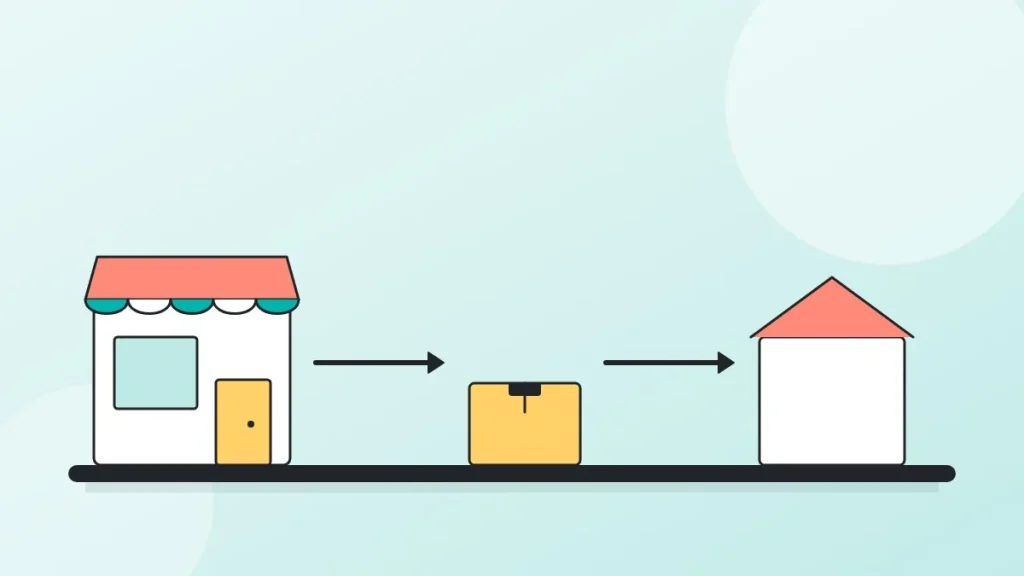
A simple order flow with automation
- Order placedStore sends it to the warehouse system.
- Rules applyRouting, carrier and packing instructions are set.
- Pick and packScanning confirms items.
- Label and shipTracking returns to the store.
- Customer notifiedShipping email goes out.
Where to start
- List repeated steps that take the most time.
- Fix the process first; automating a messy process makes errors faster.
- Start with order and inventory sync.
- Add shipping rules, then returns.
- Track error rate and time per order before and after.
Risks to watch
- Bad data: wrong dimensions or weights give wrong rates.
- Silent failures: sync errors that no one sees.
- Over-automation of rare cases that need a person.
Automation with a 3PL
A fulfillment partner brings its warehouse system and integrations, so order sync, tracking and inventory updates work from day one. See our software, the integrations and warehouse management. For sellers on Shopify, see how to fulfill orders on Shopify.
Automation maturity
| Level | What it looks like |
|---|---|
| Manual | Orders copied by hand, labels bought one by one |
| Connected | Orders and stock sync automatically; labels created in bulk |
| Rule-based | Rules choose carrier, packing and priority; exceptions flagged |
| Optimized | Data guides inventory placement and carrier mix |
How to measure the result
- Minutes per order before and after.
- Error rate: wrong item, wrong address, late tracking.
- Orders shipped by cut-off.
- Support tickets about order status.
Common mistakes
| Mistake | Fix |
|---|---|
| Automating an unclear process | Write the process first |
| Too many tools that do not talk | Choose tools with proven integrations |
| No alert when a sync fails | Monitor and alert on failures |
| Product data not maintained | Keep weights, sizes and barcodes current |
A realistic automation roadmap
Automation works in layers, and each layer depends on the one below it. Trying to start at the top is the most common reason projects stall.
- Clean product data. Every SKU has a barcode, weight and dimensions. Everything else builds on this.
- Connect the store to the warehouse. Orders flow in and tracking flows back without manual copying.
- Sync inventory. Stock levels update in the store as the warehouse receives, picks and adjusts.
- Add shipping rules. Carrier and service are chosen by weight, destination and speed instead of by hand.
- Automate messages and returns. Shipping notices, delivery updates and a return portal reduce support tickets.
- Review exceptions weekly. Every order that needed a person shows where a rule is missing.
Which tasks to leave manual
Automation is not the goal; fewer errors and less wasted time are. Leave a task manual when it happens rarely, when each case is different, or when a mistake is expensive and a person should check it. Examples are unusual international orders, large wholesale orders with special packing, and damaged-item claims. A good rule is to automate what you do more than ten times a week in the same way.
What automation looks like in a fulfillment center
In the warehouse, automation mostly means scanning and rules rather than robots. Barcode scans confirm location and item at every step. The system chooses the pick route, selects the box size, prints the correct label and blocks a parcel that fails the packing check. For a seller, the benefit appears as fewer wrong shipments and tracking that reaches the customer sooner. See the pick and pack process for the steps in detail.
Questions to ask before buying a tool
- Does it connect to our store and our warehouse with an existing integration, or does it need custom work?
- What happens when a sync fails, and who is alerted?
- Can we see a log of every order and every change?
- What does it cost at twice our current order volume?
Frequently asked questions
What is ecommerce automation?
Using software to handle repeated order, inventory, shipping and customer messaging tasks.
What should I automate first?
Order and inventory sync between your store and the warehouse.
Does automation replace staff?
It removes repetitive work so people handle exceptions and quality.
What can go wrong?
Wrong product data and unnoticed sync failures.
Do I need a 3PL to automate?
No, but a 3PL brings systems and integrations already set up.
Anton Kashirin
Anton founded EcomAutomation, the company behind EcomAutoPrep. He works with Amazon FBA sellers and DTC brands on receiving, prep, kitting and shipping, and reviews the guides on this blog against how orders move through the warehouse.